Contents
Tags
How Much VRAM Do You Need to Run Local LLMs?

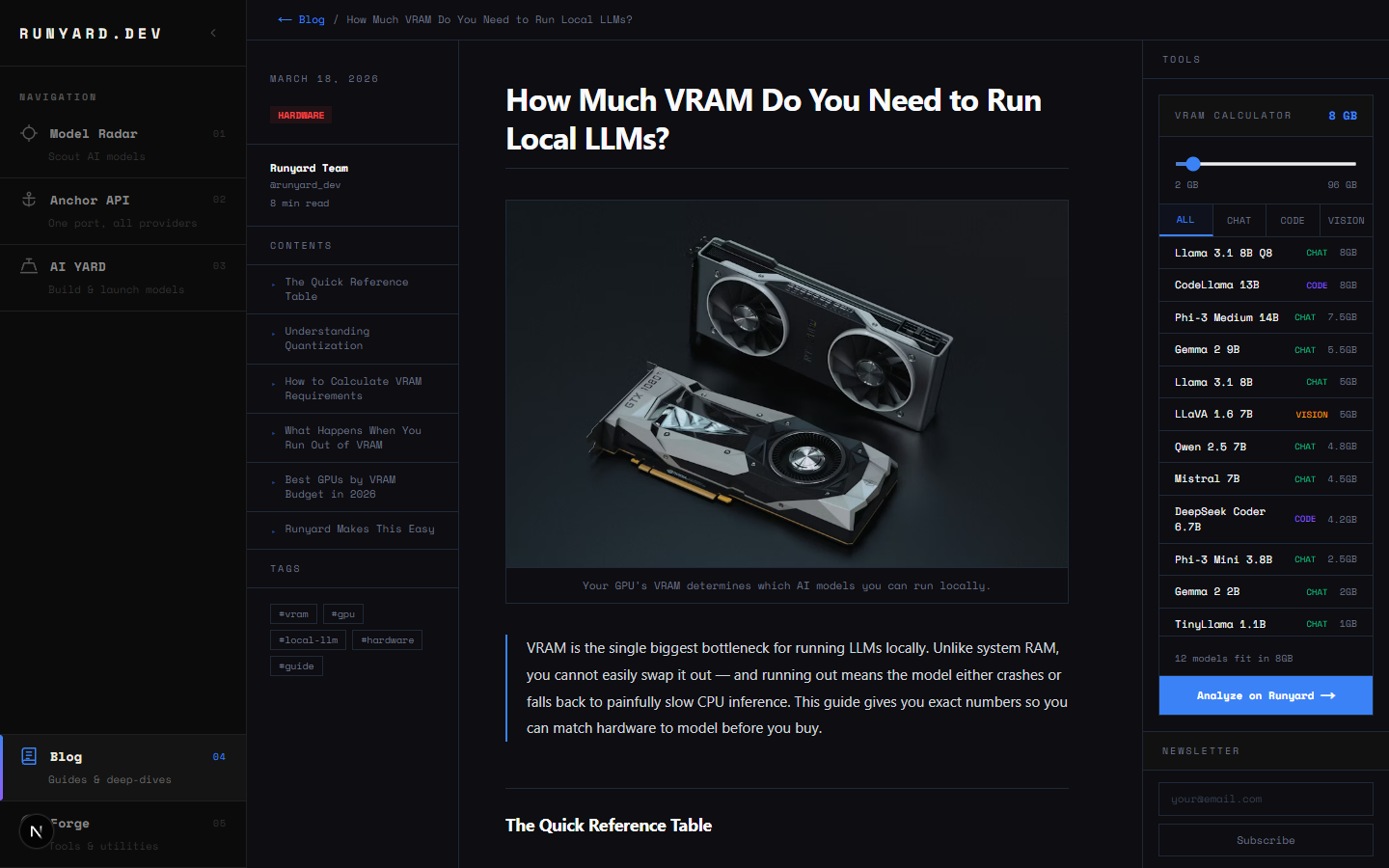
VRAM is the single biggest bottleneck for running LLMs locally. Unlike system RAM, you cannot easily swap it out — and running out means the model either crashes or falls back to painfully slow CPU inference. This guide gives you exact numbers so you can match hardware to model before you buy.
The Quick Reference Table
- ▸4GB VRAM — Phi-3 Mini (3.8B), Gemma 2B, TinyLlama 1.1B at Q4
- ▸8GB VRAM — Llama 3.1 8B (Q4), Mistral 7B (Q4), Qwen 2.5 7B (Q4)
- ▸12GB VRAM — Llama 3.1 8B (Q8/FP16), CodeLlama 13B (Q4)
- ▸16GB VRAM — Llama 3 13B (FP16), Mixtral 8x7B (Q2-Q3), DeepSeek 16B (Q4)
- ▸24GB VRAM — Llama 3.1 70B (Q2-Q3), Mixtral 8x7B (Q4-Q8)
- ▸48GB+ VRAM — Llama 3.1 70B (FP16), Llama 3.1 405B (Q2)
Understanding Quantization
Quantization compresses the model weights from full 16-bit floats down to 8, 6, 5, or 4 bits. This dramatically reduces VRAM usage at a small quality cost. A 7B model at FP16 needs ~14GB of VRAM. The same model at Q4 (4-bit) needs only ~4GB.
- ▸Q8 (8-bit) — ~99% of FP16 quality, half the VRAM. Best default choice.
- ▸Q5_K_M — Excellent balance. Barely noticeable quality drop vs Q8.
- ▸Q4_K_M — The sweet spot for most users. 4-bit with K-quant averaging.
- ▸Q3 — Noticeable quality degradation on reasoning tasks. Use as last resort.
- ▸Q2 — Only for very large models where you have no alternative.
How to Calculate VRAM Requirements
A rough formula: multiply the number of billions of parameters by the bytes per weight, then add ~10-20% overhead for the KV cache and runtime.
# FP16 (2 bytes per parameter)
7B model  = 7,000,000,000 × 2 = ~14 GB

# Q8 (1 byte per parameter)
7B model  = 7,000,000,000 × 1 = ~7 GB

# Q4 (0.5 bytes per parameter)
7B model  = 7,000,000,000 × 0.5 = ~3.5 GB
+ 10% overhead = ~4 GB total

# 70B at Q4
70B model = 70,000,000,000 × 0.5 = ~35 GB
+ overhead = ~38-40 GB
If you have an Nvidia GPU, use nvidia-smi to check available VRAM before loading a model. On Apple Silicon, unified memory counts — an M3 Max with 64GB can run 70B models comfortably.
What Happens When You Run Out of VRAM
Most inference runtimes (llama.cpp, Ollama, LM Studio) will automatically offload layers to system RAM when VRAM is full. This works, but tokens-per-second drops dramatically — often 10-20x slower. For chat it's usable; for batch inference it's painful.
Best GPUs by VRAM Budget in 2026
- ▸8GB — RTX 4060 / RTX 3070. Handles all 7B models at Q4-Q8.
- ▸12GB — RTX 4070 / RTX 3080 12GB. Unlocks 13B models at Q4.
- ▸16GB — RX 7900 GRE / RTX 4080. Best value for serious local LLM work.
- ▸24GB — RTX 4090 / RTX 3090. The most popular "prosumer" choice.
- ▸48GB — RTX 6000 Ada / dual 24GB setup. For running 70B at quality.
- ▸64GB+ — Apple M2/M3 Max or Pro with unified memory. Surprisingly competitive.
Runyard Makes This Easy
Rather than manually cross-referencing model sizes and VRAM specs, Runyard's Model Radar automatically matches models to your exact hardware. Enter your GPU and RAM, and it filters the model catalog to show only what will actually run — with performance estimates. Try it free at runyard.dev.
Tools
Newsletter